

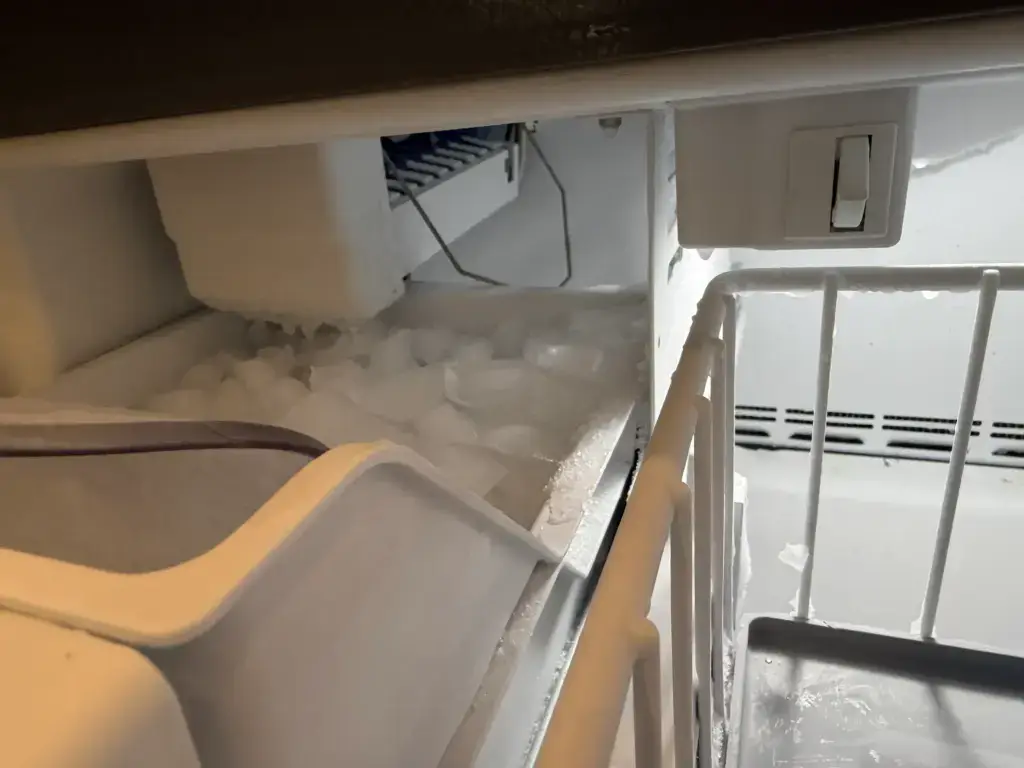
Key highlights
- Start with the cheap checks: the Ice Off light, the freezer temperature and the water filter.
- Samsung says the freezer must be at 0 °F (−18 °C) or colder to make ice.
- After most fixes, expect new ice in about 8 hours and full output in up to 24 hours.
- No water reaching the tray, a frozen ice maker or a test cycle that does nothing usually means a part or a service visit.
When a Samsung ice maker stops, the cause is often a setting, the water supply or ice in the wrong place, not a broken part. I’m Zack, head technician at Appliance Forever. Work through these 8 fixes in order. Each one rules out a cause before you spend money. Your user manual has the exact buttons for your model, so keep it close. Samsung’s own guide, Samsung ice maker is not making any ice, covers the same checks.
1. Make sure the ice maker is turned on
On most Samsung models, you will see an Ice Off light on the control panel when the ice maker is switched off. If that light is on, the ice maker will not make ice. To turn it back on, press or hold the ice maker button until the light goes out. On some models you have to unlock the panel first, and a few need you to hold the button for three seconds.
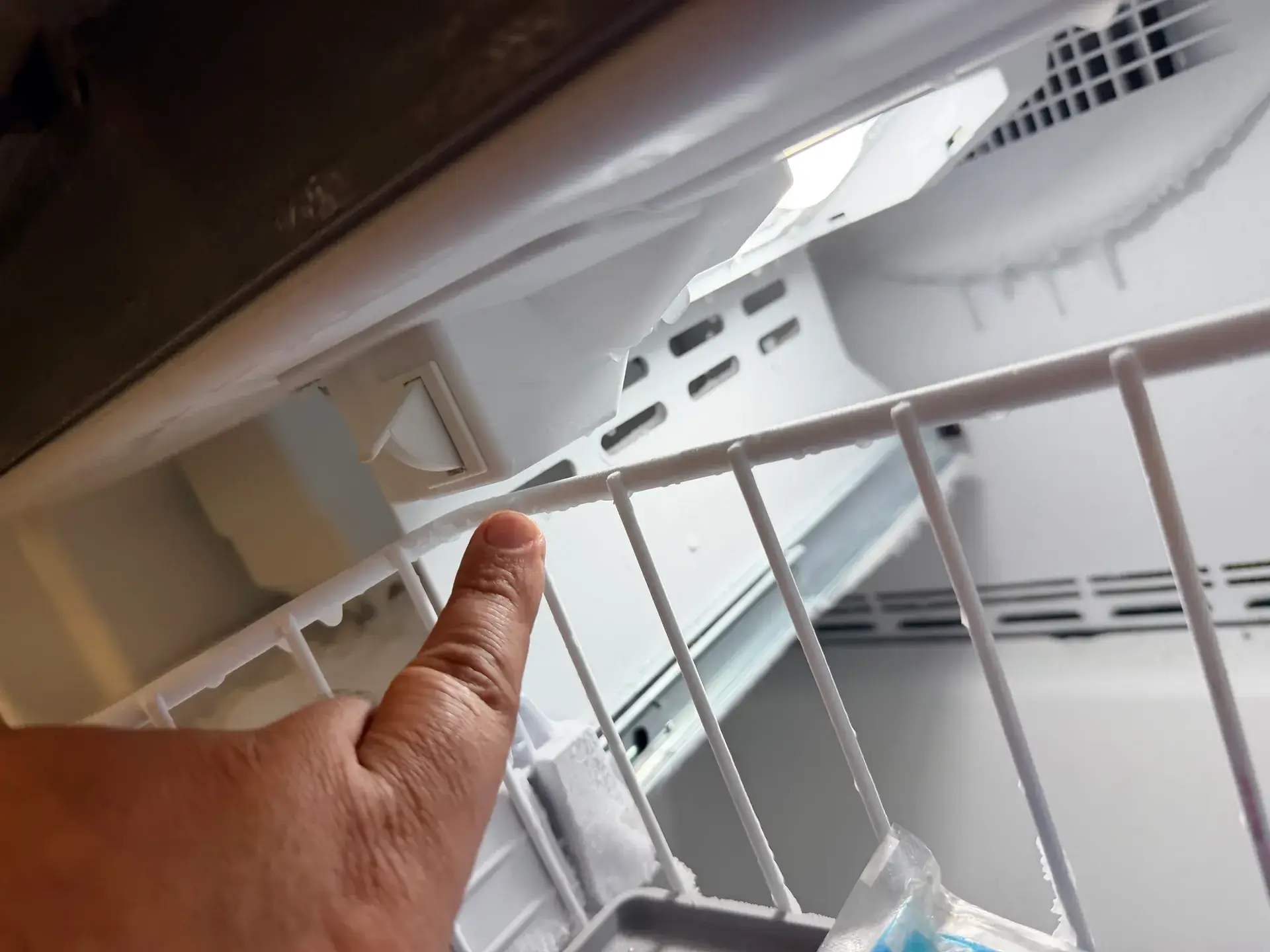
- Top-freezer models show Ice On instead. It needs to be lit.
- Family Hub models let you run the ice maker from the screen or the SmartThings app.
- Models with two ice makers move to the next setting every time you press Ice Off.
Settings often change by accident. A quick wipe of the panel, the child lock or a power cut can do it. Look at this first, before anything else.
2. Check the freezer temperature
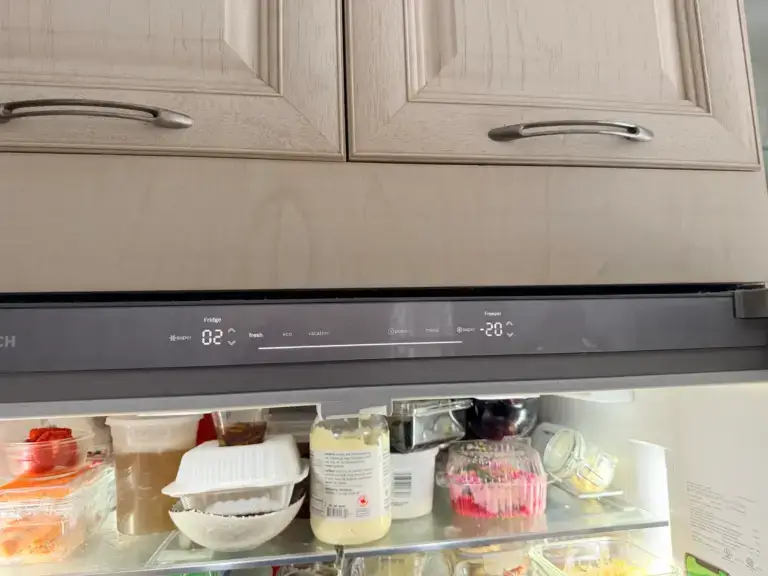
Samsung’s troubleshooting guide says the freezer should be at 0 °F (−18 °C) or colder to make ice. If yours is warmer, turn it down, then wait a few hours to see if ice starts to form. If you keep changing the settings, it gets hard to tell what the real problem is.
A freezer that is too warm can also make small or hollow cubes. They stick together in the bucket, which leads to fix 6.
3. Replace an old water filter
A clogged filter slows the water going to the ice maker. Samsung rates its filters for 300 gallons, about 6 months in an average household. If you cannot remember the last change, it is due. Use the filter made for your model number.
On models with a water dispenser, you can test it: take the filter out and check the flow again. If the water runs better without it, the old filter was the problem.
4. Test the water pressure
The ice maker needs at least 20 psi from your home supply, according to Samsung. You can check it with the dispenser: a 6 oz cup (¾ cup) should fill in less than 10 seconds.
If it does not:
- Make sure the supply valve behind or under the fridge is fully open.
- Check that the water line is not bent or pinched, especially after the fridge was moved.
- Still slow, with the filter out? The supply is the problem, not the fridge. That is a job for a plumber, and homes on reverse osmosis are a common case.
5. Look for a frozen water line
If the pressure test passes but the ice maker tray stays dry, the fill tube may be frozen. Water cannot get past it, even though everything else in the fridge seems fine.
Never use a hair dryer, heat gun or sharp tool on the plastic parts. Heat can warp the ice maker housing and the liner, and Samsung warns that a hair dryer will damage the refrigerator. The safe fix is a full defrost: unplug the fridge, empty it and follow the defrost steps in your manual. If the line freezes again soon after, the cause is usually a part (see the parts section below).
6. Check the ice level in the bucket
The ice maker stops when it thinks the bucket is full. Samsung notes that ice piling up at one end of the bucket can trigger this, even when the bucket is half empty.
- Level the ice by hand, or empty the bucket if the cubes are stuck together.
- Use ice regularly while the ice maker recovers.
- Push the bucket fully back in. If it will not seat, angle the back slightly as you slide it in.
Clumped ice also strains the auger motor. If you hear the motor run but little ice comes out, open the bucket and break up the block.
7. Reset the ice maker (it depends on the model)
Most Samsung ice makers have a Test button on the ice maker itself, not on the main panel. You may need to take the ice bucket out to reach it.
- Press and hold Test until you hear a chime. This can take up to 10 seconds.
- Let the test run. It takes about 6 minutes on ice makers in the fridge compartment and about 30 seconds on ice makers in the freezer.
- A second chime marks the end. You may hear the water valve and ice dropping, which is normal.
No chime at all? Samsung suggests switching the fridge off for 2 minutes and trying again. If the test still does nothing, or the cycle never finishes, a part is likely at fault. Check your manual first: older models use different hold times.
8. Clear ice buildup
Frost and ice in the ice room or bucket usually come from warm air getting in: a gap at the bucket or chute, a gasket that does not sit flush, or a chute flap held open.
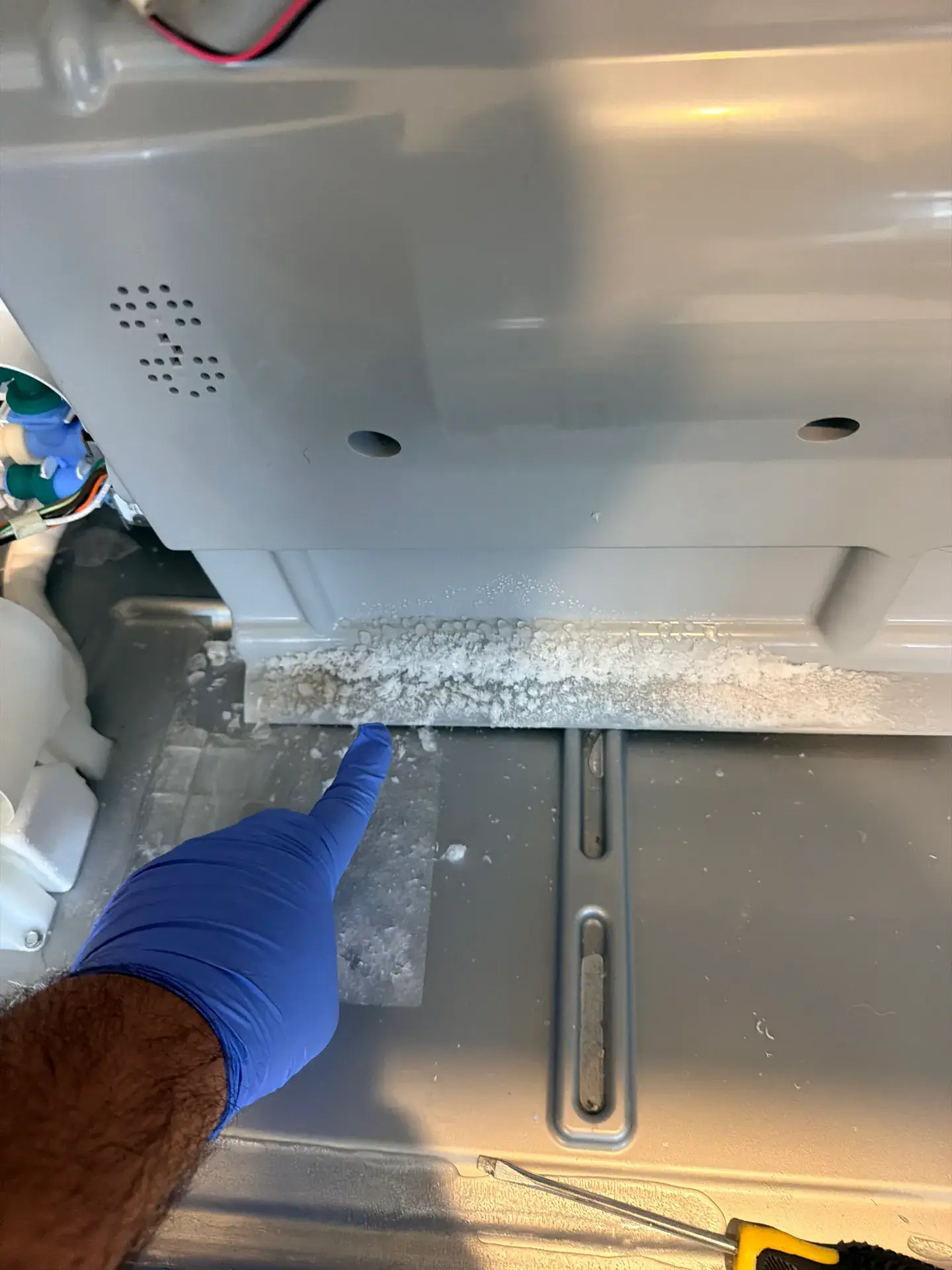
- Light frost: wipe it with a damp cloth.
- Thicker ice: remove it gently with a plastic scraper.
- Heavy buildup or an ice maker frozen over: do not chip at it. Defrost the fridge, or book service.
Then fix the cause. Check that the fridge is level, the doors close square and the gasket sits flush. In most cases, Samsung says, light frost does not need service (see frost forms on your Samsung ice bucket).
Samsung ice maker not working after all 8 fixes? It may be a part
If your Samsung ice maker is still not working after fixes 1 to 8, these parts are the usual suspects:
- Water inlet valve. It opens to let water into the ice maker. A failed or blocked valve leaves the tray dry even with good pressure.
- Ice maker assembly. If the test cycle does not start or stops partway, the assembly or its sensor may be faulty.
- Ice room fan and seals (French-door models). These keep the ice room cold and dry. When they fail, frost keeps coming back and the ice maker freezes up.
Testing these parts means working near water and live wiring, so it is best left to a technician.
Error codes on a Samsung fridge
A code on the display after a power cut or a reset is the fridge telling you something specific. Look it up in your user manual for your model. Samsung’s own pages say a code usually means service is needed. We explain one of the most common ones in Samsung fridge 22E error code. For general fridge problems see our refrigerator repairs page.
When to call Appliance Forever
Call us if the tray gets no water, the ice maker freezes up again and again, the test cycle does nothing, or there is still no ice 8 hours after your fixes. Our own factory-trained technicians repair Samsung appliances.
- $89 service call, applied to the repair you approve.
- 2-hour arrival window, with a text before we arrive.
- Most repairs done in one visit, with a written 90-day parts and labour warranty.
- 24/7, 365 days, from our shops in Bradford and Barrie. We cover Bradford, Holland Landing, East Gwillimbury, Newmarket, Aurora, Barrie and Innisfil.
Book a repair online or call 647-834-4646. For other brands, see our ice maker not working guide.
Samsung ice maker: quick answers
How do I reset my Samsung ice maker?
Find the Test button on the ice maker; you may need to remove the bucket. Hold it until it chimes, up to 10 seconds. The test runs about 6 minutes in the fridge compartment, 30 seconds in the freezer. Hold times vary, so check your manual.
Should I unplug my Samsung fridge to fix the ice maker?
Only after the simple checks. If the test button gives no chime, Samsung suggests turning the fridge off for 2 minutes and trying again. A longer unplug is only needed for a full defrost when the ice maker or water line is frozen.
How long until a Samsung ice maker makes ice again?
Samsung Canada says new ice should appear within about 8 hours, and full output can take up to 24 hours. If there is still no ice after 8 hours, and the freezer is cold enough, have the ice maker checked.
Why does my Samsung ice maker keep freezing up?
Usually warm, moist air is getting into the ice room: a gap at the bucket or chute, a gasket that does not sit flush, or a fridge that is not level. If frost returns after you fix those, the ice room fan or a seal may be failing.
How often should I change my Samsung water filter?
Samsung rates its filters for 300 gallons, about 6 months in an average household. Change it sooner if the dispenser slows down or the cubes get small. Use the filter made for your model number, and check your manual for how to fit it.
What our customers say
 Rating

Super friendly and very professional. Fixed my dishwasher in no time!! Highly recommend!!

Good communication from both Zack and George. Excellent Service!

I was very pleased with their knowledgeable, friendly, professional, efficient, reasonable, and honest service. The water dispenser on my Samsung fridge wasn’t working well. From the initial phone inquiry, they were able to identify the likely issue. The technician was very friendly, quickly found the problem, completed the repair in under 30 minutes, and cleaned up everything before leaving. I would definitely call them again if needed.

A long overdue review. I’ve had Appliance Forever take care of both my dishwasher and my range. Each experience was professional, pleasant, and I was very satisfied with the outcome of the work. George is an excellent communicator and keeps you up to date on the status of the appointment, and Zack is very efficient when he is in the homeworking. I highly recommend their service.

amazing customer service, I highly recommend it to anyone who need to repair their appliances. 10/10

Great experience – kind and quick turnaround 🙂

Zack and George great guys amazing service they know all their stuff. Great job.!!!

Mr Vlad got the job done! My dishwasher feels much better now! 5-star experience

We’re professional and very helpful.

I met Zaur today and it was genuinely a very pleasant experience working with him

Very friendly and quick service on my Hisense freezer, thanks Zack and George

Applianceforever is incredible! My refrigerator was promptly and expertly mended by them. I heartily endorse their services.

Had the pleasure of having Zack and George come to address our appliance issue with the oven. They were both very friendly, greeted us accordingly, neat, clean and quick at fixing the issue. 5 star service!

They were great help. Fixed my fridge in minutes. Vlad was very helpful and great customer service.

My washer was broken, and they came out really quickly. They worked fast and fixed the problem with no hassle. Great service!